By Muhammad Hamza, CTO·Sep 12, 2026
A secure internal knowledge base AI chatbot answers employee questions from approved company sources, respects document permissions, cites where each answer came from, and refuses questions it cannot support. In 2026, the safest SME pattern is usually retrieval-augmented generation, or RAG, with careful access controls, logging, evaluation and human handoff.
This matters because internal knowledge is scattered. A sales lead may need pricing rules from a CRM, an engineer may search Confluence, HR may keep policies in SharePoint, and support teams may discuss fixes in Slack. A chatbot that connects these systems can save time, but only if it avoids leaking confidential data or inventing answers.
The goal is not to build a chatbot that sounds clever. The goal is to build a trusted internal knowledge assistant that finds the right source, explains uncertainty, and gives employees an auditable path back to the original document. For most SMEs, that means designing security, retrieval quality and governance before choosing a model.
This guide gives founders, CTOs and operations teams a practical checklist for building a source-grounded assistant across SharePoint, Google Drive, Confluence, Notion, Slack, CRM and support data. It also covers RAG versus agentic retrieval, hosting choices, testing, and when an experienced AI development partner such as Clyrix Digital can reduce delivery risk.
20–30%
common range of knowledge-worker time spent searching across tools, according to workplace productivity surveys
3–8
typical core systems an SME wants connected first, including drives, wiki, chat, CRM and tickets
90%+
target citation coverage for production answers in a high-trust internal assistant
24–72 hours
reasonable freshness target for most non-critical indexed business documents

Most secure internal knowledge base AI chatbot projects use RAG as the core architecture. RAG works by retrieving relevant passages from company-approved documents, then giving those passages to a language model to draft an answer. The model does not need to permanently learn your private data, and the answer can be checked against cited sources.
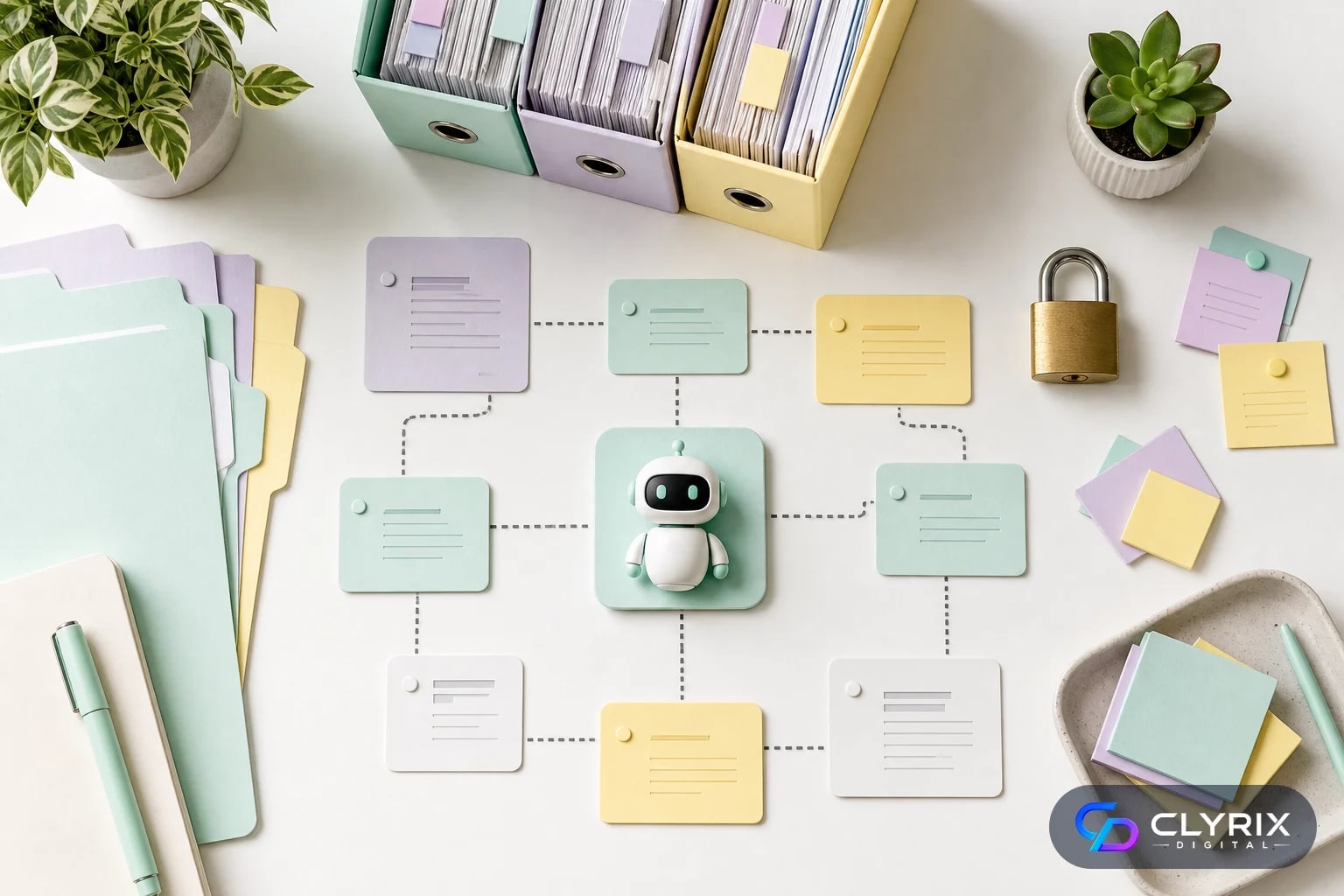
A typical stack has five layers: connectors, ingestion, indexing, retrieval, and response generation. Connectors pull content from systems such as SharePoint, Google Drive, Confluence, Notion, Slack, Salesforce, HubSpot, Zendesk or Jira. Ingestion cleans and chunks the content. Indexing stores searchable representations in a vector database or hybrid search engine. Retrieval finds the most relevant chunks. The language model then answers using only the retrieved context.
The security boundary should sit around every layer, not just the final chat interface. If a user cannot view a document in Google Drive, the retrieval layer should not return it. If a Slack channel is private, its messages should not appear in another team’s answer. If a CRM field contains personal data, it may need masking or exclusion.
In our delivery experience, the best SME deployments start narrower than the business expects. A first version might cover HR policies, sales enablement and support SOPs, not every document ever created. The narrower scope makes it easier to prove permissions, citations and answer quality before adding riskier data sources.
A practical reference architecture includes these components:
Do not treat the chatbot as a standalone app. Treat it as a controlled search and reasoning layer over existing business systems.
RAG and agentic retrieval are related, but they are not the same. RAG retrieves evidence and answers. Agentic retrieval can plan steps, call tools, refine searches and sometimes act on results.
| Approach | Best for | Main risk | SME starting point |
|---|---|---|---|
| Basic RAG | Policy and document Q&A | Missing nuanced context | Start here |
| Hybrid RAG | Documents plus keyword-heavy records | Index complexity | Strong default |
| Agentic retrieval | Multi-step research tasks | Tool misuse | Add later |
| Action agents | Update CRM or tickets | Operational errors | Use strict approvals |
| Fine-tuning | Style or classification | Data governance burden | Rarely first step |
For most SMEs, a robust hybrid RAG system beats an ambitious agent that is difficult to govern.
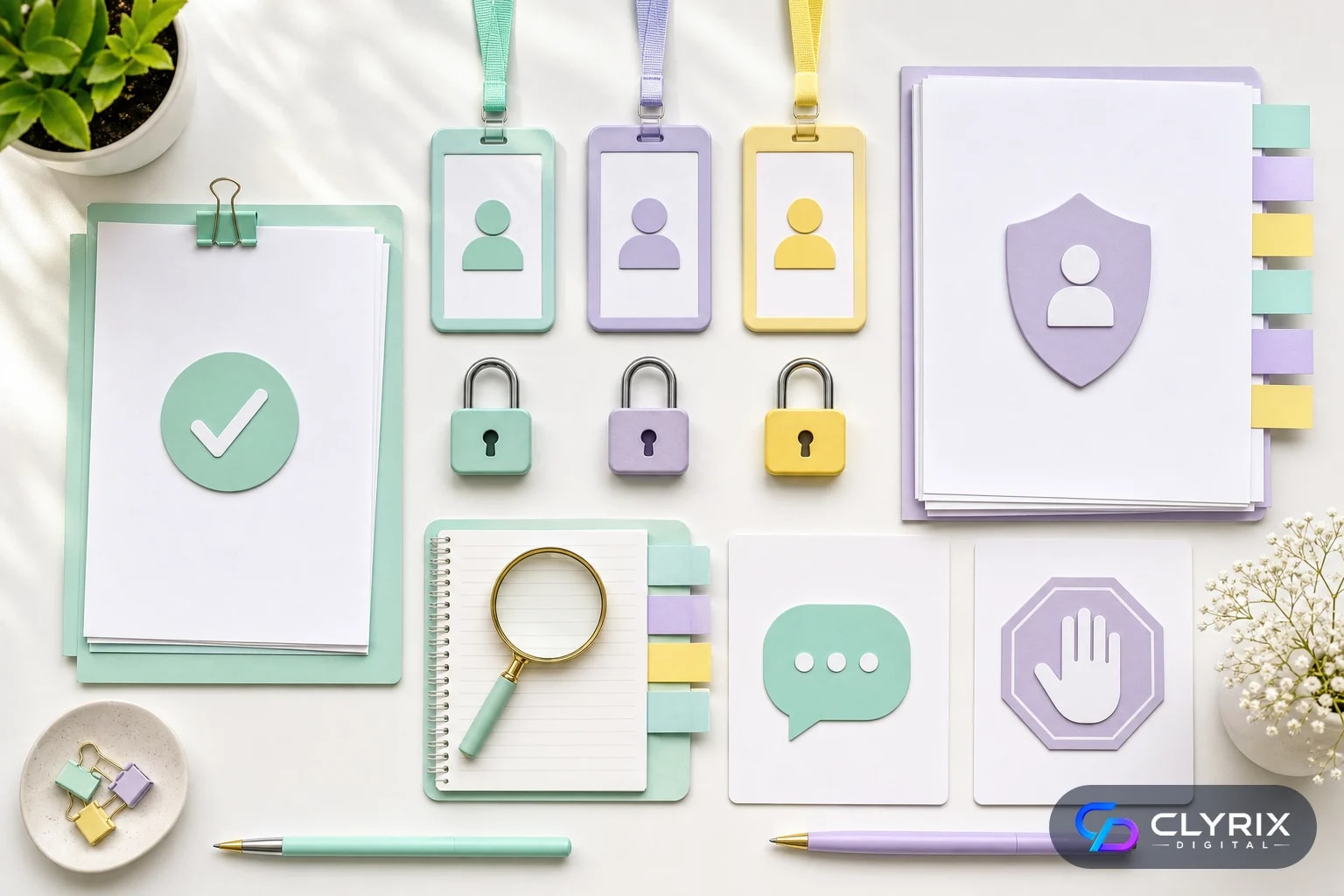
Permission-aware search is the difference between a useful internal assistant and a data leak. The chatbot should behave like each source system behaves for that employee. If a finance file, legal folder or private Slack channel is outside the user’s access, the chatbot should not retrieve, summarise or mention it.
There are two main patterns. The first is security trimming at query time, where the system checks the user’s identity and filters indexed content by access metadata before retrieval results reach the model. The second is separate indexes by group, department or tenant. Query-time filtering is more flexible, but separate indexes can be simpler for highly sensitive environments.
SMEs often underestimate inherited permissions. A public company drive folder may contain old contracts. A Confluence space may be visible to contractors. A Notion database may include archived HR notes. Before connecting data sources, audit permissions and fix the worst issues. The chatbot will expose your information architecture exactly as it is, not as leadership assumes it is.
You should also decide which content should never be indexed. Payroll records, disciplinary files, personal health information, unreleased financials, customer secrets and certain legal documents may require exclusion, redaction or a separate high-control workflow.
Your permission checklist should include:
If you cannot enforce source-level permissions reliably, do not connect that source to the production chatbot yet.
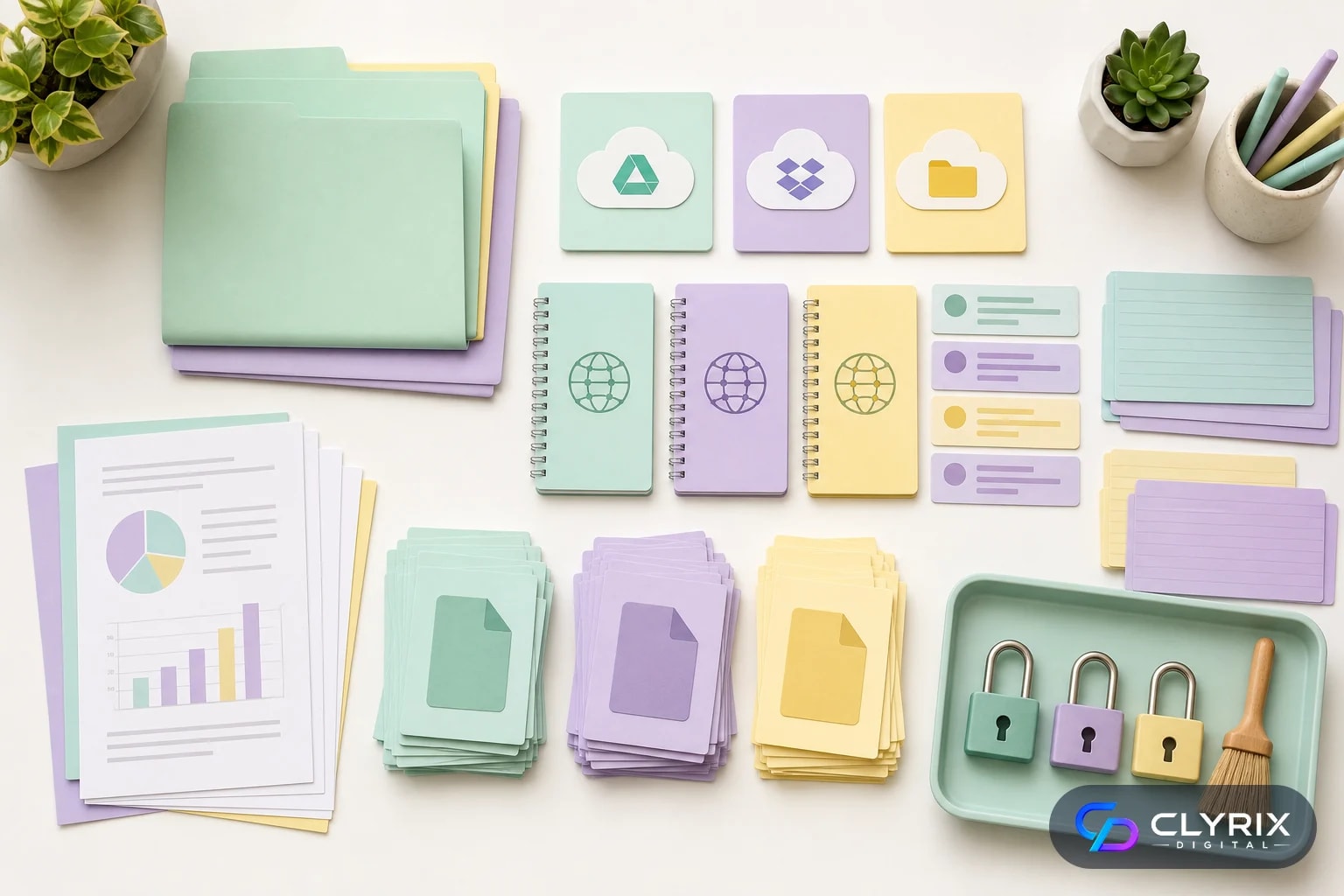
Good RAG starts with good data preparation. Raw company data is messy: duplicate files, outdated policies, incomplete CRM notes, long Slack threads, exported PDFs, tables, diagrams and folders named “final-final”. A secure chatbot needs a pipeline that cleans this material without destroying context.
For document systems such as SharePoint and Google Drive, preserve file path, owner, modified date, version and permission metadata. For wiki tools such as Confluence and Notion, preserve page hierarchy, database fields and internal links. For Slack or Teams, decide whether to index all messages, pinned items, specific channels or curated knowledge summaries. Full chat indexing can be noisy and privacy-sensitive.
CRM and support systems need extra caution. A sales CRM may contain pricing commitments, personal contact details and confidential customer notes. A ticketing system may contain security incidents or customer credentials pasted by mistake. Use field-level filtering, redaction and retention rules rather than indexing everything.
Chunking also affects answer quality. Chunks that are too small lose context. Chunks that are too large dilute relevance and raise token costs. Many teams start with chunks of a few hundred words, then tune by document type. Tables, FAQs, policies and code-like configuration notes often need different treatment.
Prepare each source with these rules:
The best retrieval improvements often come from cleaning the knowledge base, not changing the AI model.
Different systems need different controls. Use this checklist before connecting each source to your internal knowledge assistant.
| Source | Indexing scope | Critical control | Common mistake |
|---|---|---|---|
| SharePoint | Approved libraries | Folder permissions | Indexing old archives |
| Google Drive | Shared drives | Owner and link access | Ignoring public links |
| Confluence | Selected spaces | Page restrictions | Stale policy pages |
| Notion | Team workspaces | Database properties | Mixed private notes |
| Slack | Curated channels | Private channel boundaries | Indexing all chatter |
| CRM | Filtered objects | Field redaction | Exposing customer secrets |
| Tickets | Solved articles | Credential masking | Indexing incident logs |
Start with high-value, low-risk sources. Add sensitive operational systems only after permission tests pass.
A source-grounded answer should show where it came from. For internal use, citations should ideally link to the exact document, page, CRM record, ticket, or message thread. A vague citation to “company handbook” is less useful than a link to the policy page and the excerpt that supports the answer.
Citations also create accountability. Employees can check whether the chatbot used the correct source and whether the source itself is outdated. Managers can see which documents create repeated confusion. Compliance teams can audit whether sensitive decisions were based on approved material.
Refusal behaviour is equally important. The assistant should say when it does not have enough evidence, when the user lacks access, when sources conflict, or when the question requires human judgement. A confident unsupported answer is more dangerous than a polite refusal. For topics such as employment law, medical advice, security incidents, financial approval or customer contract interpretation, the chatbot should route to a responsible person or approved process.
Human handoff can be simple at first. The bot might create a ticket, tag a Slack channel, email a policy owner or provide a link to the right internal form. More advanced versions can summarise the user’s question and the sources checked so the human responder does not start from zero.
Use these answer rules in production:
A trustworthy assistant is allowed to say “I do not know from the available sources.” That is a feature, not a failure.
A secure internal knowledge base AI chatbot should be delivered in phases. Trying to connect every system, support every department and automate every workflow in version one usually creates security and quality problems. A staged rollout gives you evidence before expanding.
The following process is suitable for many SMEs with 50 to 1,000 employees, though the same principles apply at larger scale. The timeline can range from four to twelve weeks for a focused pilot, depending on the number of data sources, permission complexity and compliance requirements.
Keep business ownership clear throughout. IT can own identity, security and infrastructure. Operations can own workflow fit. Department heads can own source quality. Legal or compliance should review data sensitivity. The AI team or vendor should own retrieval, prompt design, evaluation and deployment engineering.
Choose three to five high-value question categories, such as HR policy lookup, sales enablement, support troubleshooting or onboarding. Document what the chatbot must not answer. Set success criteria for citation coverage, user adoption, answer accuracy and handoff rate.
Review the selected systems before ingestion. Fix broad sharing, outdated folders and unclear ownership. Decide which libraries, spaces, databases, channels and CRM objects are approved for indexing.
Create connectors, content processing, chunking, indexing and permission filters. Test retrieval quality before adding generative responses. If search cannot find the right evidence, the language model cannot produce a reliable answer.
Create prompts and policies that require citations, disclose uncertainty and refuse unsupported answers. Add human handoff paths for sensitive or ambiguous questions. Make the interface clear enough that employees understand what the assistant can and cannot do.
Run evaluation sets, permission tests, red-team prompts and user pilots. Start with a small group, gather feedback and monitor logs. Expand only when answer quality and security controls are consistently acceptable.
This staged approach reduces risk and gives leadership a measurable basis for further investment.
Testing should prove that the chatbot is useful, not just that it responds. Build an evaluation set from real employee questions and expected source documents. Include easy questions, ambiguous questions, outdated-source questions and questions that should be refused. Track whether the chatbot retrieves the right evidence before judging the final wording.
Security testing needs its own plan. Prompt injection is a common risk in RAG systems because malicious or careless text inside documents can try to instruct the model to ignore rules. Your system should treat retrieved content as evidence, not as instructions. Test documents that contain phrases such as “ignore previous instructions” and confirm the assistant still follows system policies.
Permission testing should include users with different roles. Ask the same question as a manager, sales rep, contractor and finance user. The answers should differ when source access differs. Also test recently revoked permissions, renamed folders, moved documents and deactivated users.
Governance keeps the assistant reliable after launch. Assign owners for source freshness, model behaviour, security logs and user feedback. Review failed answers weekly during the pilot, then monthly once stable. Industry guidance from major cloud providers and security bodies consistently emphasises monitoring, access control and human oversight for enterprise AI systems.
Minimum production tests should cover:
Do not launch a chatbot broadly because a demo looked impressive. Launch when test evidence shows it is safe enough for the intended use case.
Hosting affects data exposure, operational effort, latency and cost. The right choice depends on sensitivity, compliance and in-house capability.
| Option | Privacy control | Operational effort | Best fit |
|---|---|---|---|
| Managed SaaS AI | Medium | Low | Fast pilots |
| Cloud RAG stack | High | Medium | Most SMEs |
| Private cloud | Very high | High | Regulated teams |
| On-prem model | Maximum | Very high | Strict data rules |
| Hybrid setup | High | High | Mixed workloads |
Ask vendors how prompts, retrieved context, logs and embeddings are stored, retained and used.
Enterprise AI is moving toward agents that retrieve, reason and act across systems. Industry commentary from major AI and cloud providers increasingly points to agentic retrieval as a pattern for knowledge-heavy work. For SMEs, the opportunity is real, but the sequencing matters.
A RAG chatbot answers questions. An agent can break a task into steps, search multiple systems, compare evidence, ask follow-up questions and call tools. For example, an agent might inspect CRM notes, find the latest pricing policy, draft a renewal email and create a follow-up task. That can save time, but it also increases risk.
Before adding actions, classify them by reversibility. Low-risk actions include drafting text, preparing summaries or suggesting next steps. Medium-risk actions include creating tickets or updating non-critical fields with human confirmation. High-risk actions include sending customer communications, changing permissions, approving spend or modifying production systems.
In many SMEs, the right first agentic feature is not full automation. It is guided retrieval: the assistant asks clarifying questions, searches the right systems in sequence and presents a cited brief for human approval. This gives employees better research without handing operational control to an immature agent.
Add agentic features only when these controls exist:
If your organisation has not mastered cited Q&A yet, do not rush into autonomous actions.
Some SMEs can build a basic internal chatbot in-house, especially if they already have cloud engineers, identity expertise and clean data sources. A limited pilot using one or two sources can be a good internal learning project. However, production-grade RAG across multiple systems is closer to software engineering than chatbot configuration.
Consider external help when you need complex integrations, permission-aware retrieval, regulated data handling, custom evaluation, or workflow automation. An AI development agency can design the architecture, implement connectors, build a secure web interface, set up monitoring and hand over documentation for your internal team. The value is not just faster build time; it is avoiding data exposure and trust failures that are expensive to fix later.
Clyrix Digital, for example, typically approaches these projects as custom AI and web application work: source audit, secure retrieval architecture, interface design, testing and deployment. That model suits SMEs that want a practical internal assistant rather than a one-off prototype.
Do not outsource ownership entirely. Your company still needs internal source owners, security approval, policy decisions and feedback loops. The best partner can build the system, but only your team can define what knowledge is authoritative and what risks are acceptable.
Hire specialist support if any of these apply:
Build versus buy is not binary. Many successful SMEs use an agency for the first secure implementation, then train internal staff to operate and extend it.
A secure internal knowledge assistant can reduce repeated questions, speed up onboarding and help employees find reliable answers across scattered company systems. But the foundation must be trust: permission-aware retrieval, source citations, refusal behaviour, testing, monitoring and clear human handoff.
Start with a focused RAG pilot, connect approved sources, prove answer quality, then expand. Add agentic retrieval and workflow actions only when governance is mature. If the data landscape is complex or sensitive, work with an experienced partner such as Clyrix Digital to design a secure implementation that your team can operate confidently.
It is an AI assistant that answers employee questions using approved company sources such as SharePoint, Google Drive, Confluence, Notion, Slack or CRM data. A secure version enforces user permissions, cites sources, logs activity and refuses unsupported answers. It should not expose private documents or rely on the language model’s general knowledge for internal policy.
For most SMEs, RAG is the better starting point because it retrieves current company information at query time and can cite sources. Fine-tuning is more useful for style, classification or specialist behaviour, not for constantly changing private documents. RAG also makes access control and content updates easier to manage.
Use single sign-on, permission-aware retrieval, source filtering before generation, field redaction, sensitive-source exclusions and detailed audit logs. Test with different user roles to confirm employees only receive information they can access in the original system. Also protect against prompt injection from both user messages and indexed documents.
Yes. Citations are essential for trust, auditability and correction. The chatbot should link to the specific document, page, ticket, message or CRM record used, ideally with a short excerpt. If it cannot find enough reliable evidence, it should say so and offer a human handoff rather than inventing an answer.
Yes, but both need careful scoping. Slack can be noisy and may include private conversations, so many teams index only selected channels, pinned posts or curated summaries. CRM data often contains customer-sensitive information, so field-level filtering, redaction and permission checks are important before production use.
A focused pilot usually takes four to twelve weeks, depending on data sources, permissions and interface requirements. A single-source proof of concept can be faster, but a production system with multiple integrations, citations, testing, monitoring and security review takes longer. Complex agentic workflows or regulated data can extend the timeline.


Sep 22, 2026
Facial recognition privacy rules in 2026 explained: BIPA, CCPA, EU AI Act, consent, retention, safer alternatives and a practical implementation checklist.
By Muhammad Hamza · CTO

Your trusted partner in innovative web solutions, delivering tailored development, design, and marketing services to elevate your digital presence and business growth.
info@clyrixdigital.com
© 2026 Clyrix Digital. All rights reserved.