By Muhammad Hamza, CTO·Sep 21, 2026
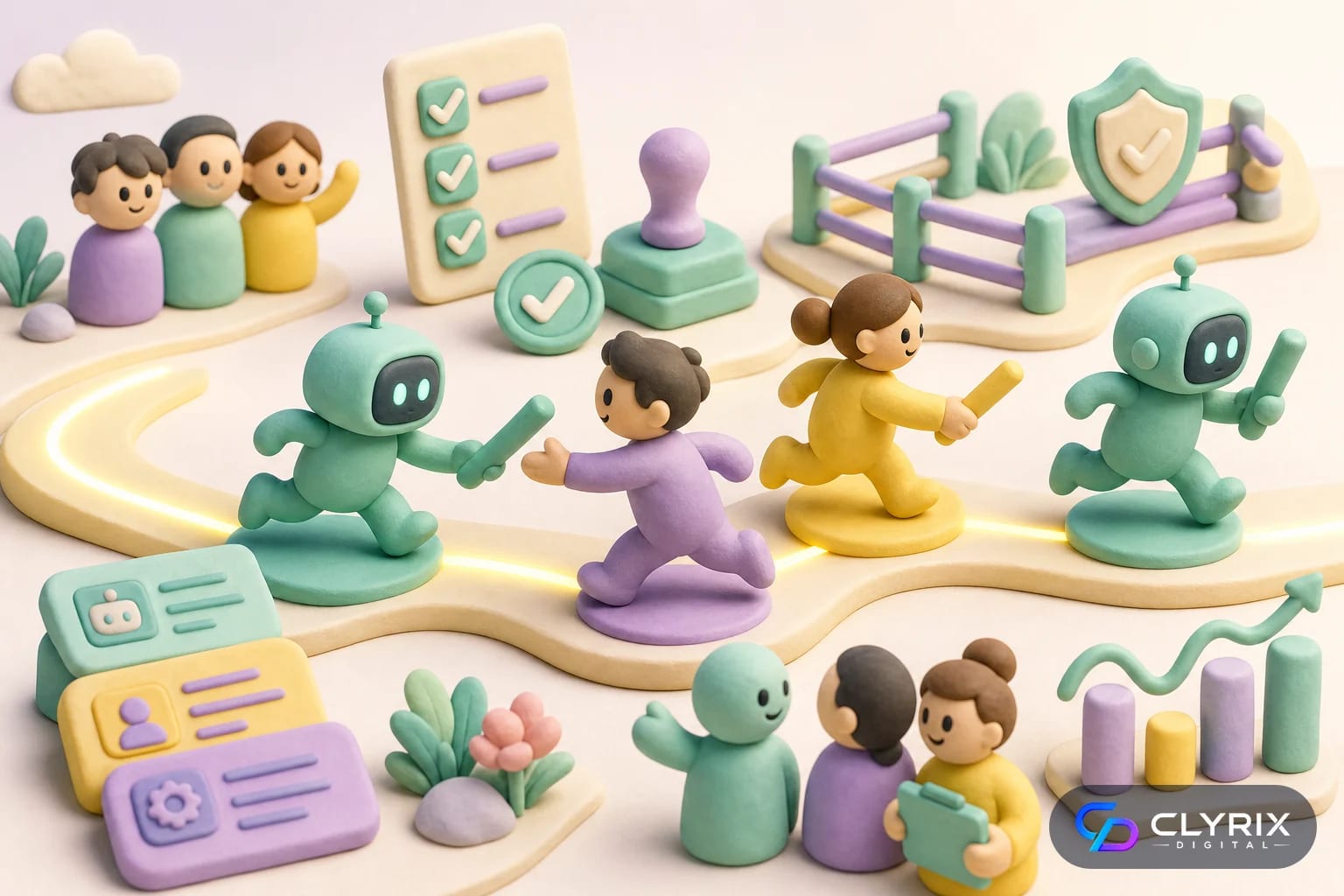
Collaborative AI is the use of AI copilots, agents and automation inside human-led workflows where people still set goals, review decisions and own outcomes. In 2026, the best results come from pairing AI speed with human judgment, not from letting software run every business process unsupervised.
For startups, SMEs and mid-market teams, collaborative AI is becoming a practical operating model. Sales teams use AI to draft follow-ups and summarize calls. Support teams use agents to triage tickets. Finance teams use AI to classify invoices. Product and engineering teams use copilots to produce specifications, test ideas and document code.
The key shift is not just better tools. It is better team design. A useful collaborative AI system defines which tasks AI can perform, which decisions require human approval, what data the model may access and how managers measure quality. This is where human-in-the-loop workflows matter. They keep accountability with the business while giving teams faster research, drafting, analysis and execution.
In our delivery experience, the teams that see durable value start small, document the workflow and build controls before expanding. If you are evaluating custom AI agents, workflow copilots or internal automation, a focused AI development services partner can help turn scattered experiments into governed systems that employees actually use.
20%–40%
Time savings reported in many knowledge-work AI pilots
60%+
US businesses exploring or using generative AI in surveys
5–15
Common weekly hours touched by AI for active users
3–6 months
Typical pilot-to-scale window for focused teams
Business leaders often use these terms interchangeably, but the distinctions matter when you are buying software or designing a workflow. A copilot helps a person do a task. An agent can often pursue a goal across several steps. Collaborative AI is the wider operating model where humans, copilots and agents work together with rules.
A sales copilot might write a first draft of an email after a discovery call. A sales agent might inspect CRM fields, find missing information, draft the email, schedule a follow-up task and alert the account owner. Collaborative AI defines what the rep must approve, what the agent can change and what happens if the customer is enterprise, regulated or high risk.
If you want a deeper technical explanation of agent behavior, Clyrix Digital’s related guide on how autonomous AI agents sense, think and act is a useful companion. This article focuses more on team adoption, governance and practical operating choices.
Use these definitions when comparing vendors or planning your own implementation:
The more autonomy an AI system has, the more you need permissions, monitoring and rollback. A writing copilot can be lightweight. An agent that updates customer records or triggers payments needs stronger controls.
Collaborative AI is most useful where teams repeat similar judgment-based tasks but still need human context. The table below shows practical examples for US-based businesses and distributed teams.
| Team | AI role | Human role | Good first use case |
|---|---|---|---|
| Sales | Drafts follow-ups | Approves messaging | Post-call email drafts |
| Support | Triage and classify | Handles exceptions | Ticket routing |
| Marketing | Generates variants | Checks positioning | Ad copy testing |
| Finance | Extracts invoice data | Reviews anomalies | AP pre-processing |
| HR | Summarizes applications | Prevents bias | Interview prep |
| Engineering | Suggests code/tests | Reviews commits | Unit test drafts |
Avoid starting with high-liability decisions such as hiring rejections, medical advice, credit decisions or legal conclusions unless you have strict review and compliance controls.
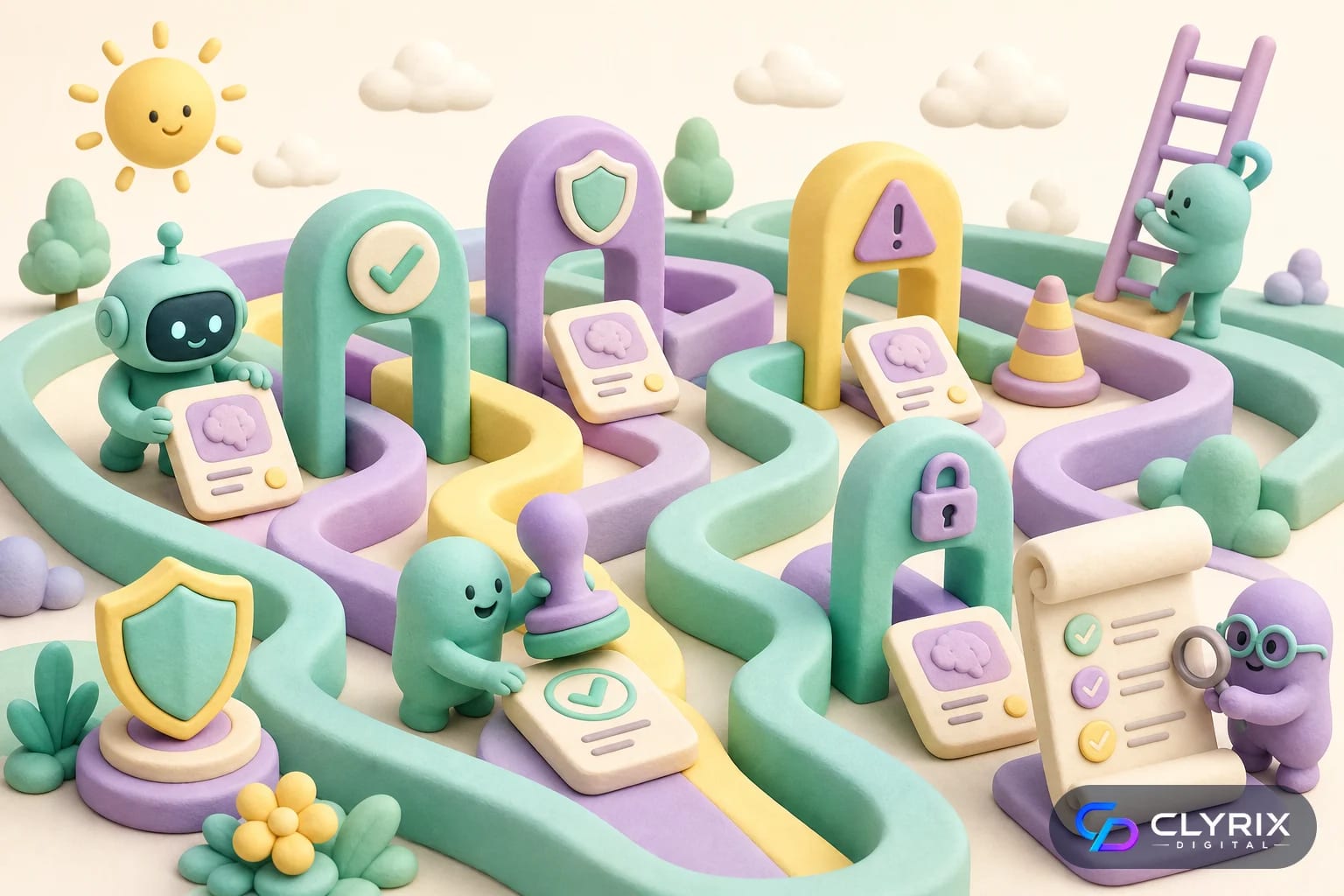
Human-in-the-loop design is not a cosmetic approval button. It is the difference between a helpful AI system and an uncontrolled automation layer. A good workflow tells the AI what it can do, tells employees when to intervene and gives managers evidence that the process is working.
For example, a customer support agent might classify tickets automatically, draft replies and suggest refund eligibility. But a human should approve refunds above a threshold, review angry customer threads and handle regulated topics. In healthcare, finance and legal workflows, the approval path should be even more explicit because mistakes can create regulatory, privacy or contractual exposure.
Google’s own AI guidance and the broader cloud security community emphasize responsible use, data protection and evaluation. For US companies, this should connect to internal policies around CCPA, HIPAA where applicable, SOC 2 controls and FTC expectations around truthful customer claims. If your AI touches personal data, your privacy counsel or compliance lead should be involved early, not after launch.
A practical human-in-the-loop workflow should define:
In regulated use cases, pair this workflow design with official guidance from sources such as the FTC and sector-specific privacy rules before scaling.
The biggest mistake is rolling out AI everywhere because the tools are available. That creates scattered usage, security gaps and unclear ROI. A better path is to treat collaborative AI like a product rollout: identify users, map workflows, test with real data, measure outcomes and iterate.
In our delivery experience, the strongest pilots are narrow enough to govern but important enough to matter. A 30-person support team with 8,000 monthly tickets is a better starting point than a vague company-wide mandate to “use AI more.” A sales operations team drowning in CRM notes is another good candidate. So is an internal knowledge base where employees repeatedly ask the same operational questions.
If your workflow requires private business data, tool calls or multi-system actions, a custom approach through custom app development may be safer than stitching together unmanaged browser extensions. The goal is not to overbuild. It is to control access, measure performance and fit the tool into the way your team already works.
Pick a process with enough volume to measure, enough pain to motivate users and low enough risk for a pilot. Good examples include support triage, proposal drafting, customer onboarding checklists or internal policy Q&A.
Document what people do today, then mark where AI should summarize, draft, classify, recommend or execute. Keep the first version simple enough that employees can explain it in one minute.
Run the workflow with a small group of users and realistic data. Use test environments where possible, especially when connecting CRM, help desk, billing, HR or operational systems.
Time saved is useful, but quality matters more. Track rework, user edits, customer satisfaction, escalation volume, hallucination rate and manager review time.
Once the pilot performs reliably, create usage rules, prompt patterns, escalation checklists and manager dashboards. Expand to adjacent workflows only after the first one is stable.
For teams building AI into software delivery itself, Clyrix Digital’s guide to autonomous testing for SMEs shows how similar adoption discipline applies to QA automation.
Risk increases as AI moves from advice to action. Use this table to decide how much governance a workflow needs before rollout.
| Autonomy level | Example | Main risk | Recommended control |
|---|---|---|---|
| Low | Summarizes notes | Missing context | Human review |
| Moderate | Drafts replies | Wrong tone | Approval queue |
| High | Updates CRM | Bad data writes | Role permissions |
| Very high | Triggers refunds | Financial loss | Threshold approval |
| Regulated | Handles PHI | Privacy breach | Compliance review |
For sensitive healthcare workflows, see the related [HIPAA-compliant AI chatbot checklist](https://clyrixdigital.com/blogs/hipaa-compliant-ai-chatbot-checklist/) before exposing patient data to AI systems.
Industry surveys and enterprise pilots consistently show that generative AI can save time in knowledge work, but the gains are uneven. Teams usually benefit most when AI reduces blank-page work, speeds up search, summarizes long records or prepares structured drafts. They benefit least when the work requires scarce expertise, unclear judgment or deep organizational politics.
For a US-based SME, the most realistic productivity gains are not full headcount replacement. They are cycle-time reductions. A customer support lead may review ten drafted responses in the time it once took to write five. A product manager may turn raw notes into a requirements draft in minutes, then spend the saved time clarifying trade-offs. A developer may generate test scaffolding faster, while still owning code quality.
The best way to validate ROI is to measure before and after. Track average handle time, first response time, document turnaround, rework rate, QA defects, win-rate movement or employee satisfaction depending on the workflow. Do not rely on vendor demos. Use your own tickets, documents, customer language and approval standards.
Collaborative AI tends to produce measurable value in these patterns:
If your team is dealing with fragmented systems, budget for integration work. The AI may be impressive, but the operational value often depends on clean access to CRM, help desk, document storage and internal databases.
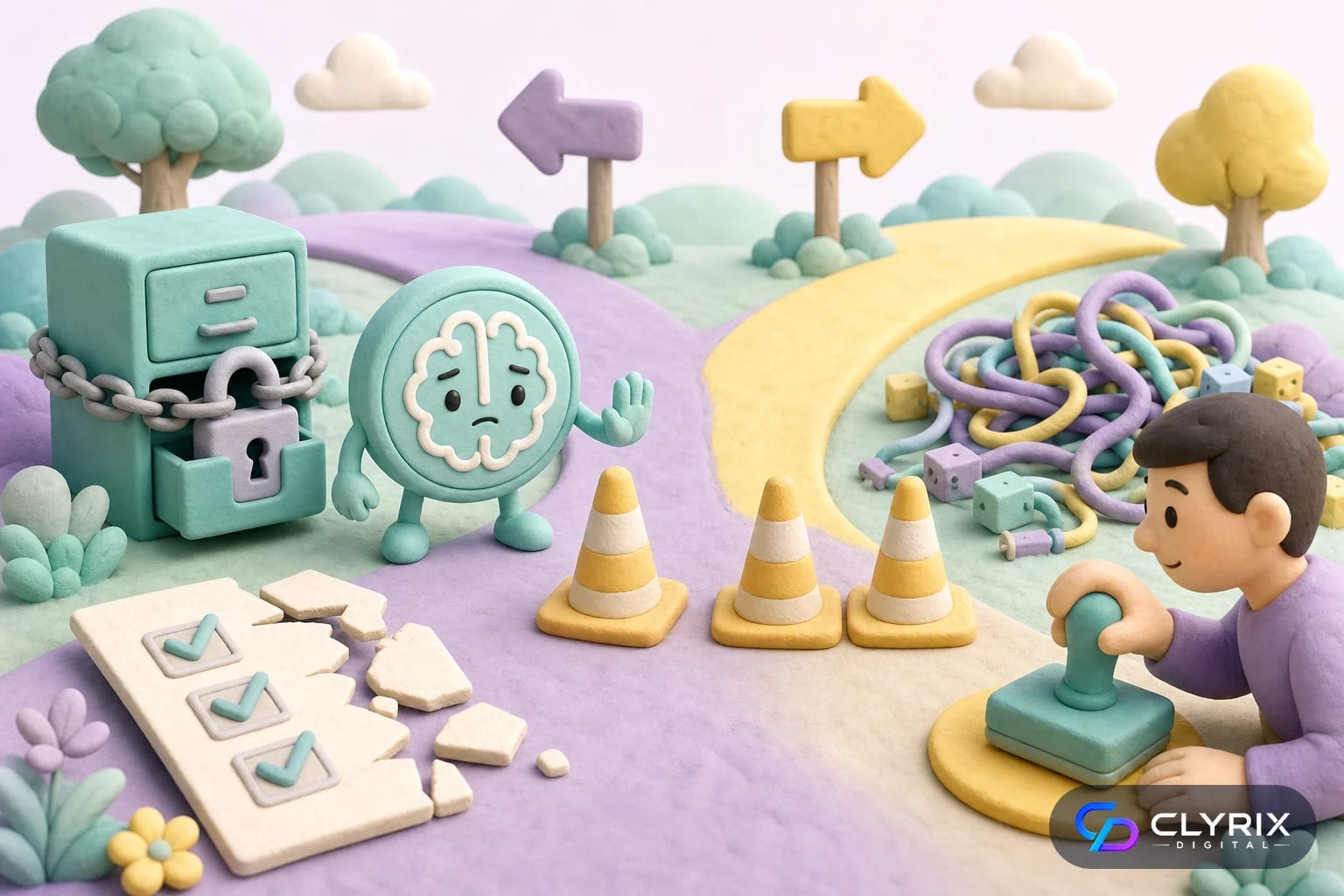
Collaborative AI is not automatically the right answer. Some workflows are too rare, too ambiguous or too sensitive for a first deployment. Others are already handled well by simple rules, checklists or conventional automation. In those cases, adding AI can increase cost and uncertainty without creating meaningful lift.
Do not use collaborative AI to hide a broken process. If your support macros are outdated, your CRM fields are inconsistent or your approval chain is unclear, an AI layer may simply produce faster confusion. Fix the process and data foundation first. The same applies to content workflows where brand positioning is unsettled or compliance ownership is unclear.
Also be careful with employee trust. If leadership frames AI as surveillance or replacement, adoption will suffer. Teams need to know what the tool does, what it logs, how outputs are evaluated and how their feedback improves the system. In many organizations, the cultural design is as important as the technical design.
Pause or redesign the initiative if any of these are true:
A simple checklist, template, rule-based automation or better CRM hygiene may outperform AI for low-volume or poorly defined work.
Collaborative AI changes your data risk profile because it often connects to systems that hold customer records, internal documents, financial details or employee information. Security cannot be an afterthought. At minimum, you need role-based access, secure authentication, logging, data retention rules and a clear policy on what employees may enter into external tools.
For US companies, the relevant obligations depend on industry and state. CCPA may matter for California consumer data. HIPAA applies to covered healthcare use cases. SOC 2 expectations often shape SaaS vendor reviews. The ADA can matter if AI-powered interfaces affect customer access to digital services. International teams may also need to consider GDPR in Europe, UK GDPR, Canada’s privacy rules, Australia’s Privacy Act and emerging UAE data protection requirements.
The practical question is: can you explain where the data goes, who can access it, how long it is retained and how a user can correct a bad output? If not, the workflow is not ready for scale. For model and cloud decisions, start with official provider documentation such as AWS or other major cloud platforms, then align implementation with your internal security standards.
Baseline controls for collaborative AI include:
For internal Q&A systems, Clyrix Digital’s guide to a secure internal knowledge base AI chatbot covers access boundaries and source control in more depth.
Most teams will use a mix of SaaS copilots, custom workflows and integration layers. The right path depends on risk, data complexity and competitive value.
| Option | Best for | Limitations | Typical timeline |
|---|---|---|---|
| SaaS copilot | Fast individual productivity | Limited customization | Days to weeks |
| Workflow automation | Repeatable handoffs | Rigid edge cases | 2–6 weeks |
| Custom agent | Multi-system tasks | Needs governance | 6–16 weeks |
| Internal chatbot | Knowledge retrieval | Source freshness | 4–10 weeks |
| AI platform | Enterprise scale | Higher change effort | 3–9 months |
If AI needs to update business systems, integrate with private data or follow company-specific approval logic, customization is often the more durable path.
A durable use case has four qualities: frequent demand, clear success criteria, accessible data and willing users. If one is missing, the project may still be possible, but the implementation risk rises. Teams often skip the user willingness test and later wonder why adoption is weak.
Start by interviewing the people who do the work every day. Ask where they copy and paste information, wait for approvals, search across systems, rewrite similar messages or manually classify requests. Then ask managers where quality breaks down. The overlap between employee pain and management pain is usually the best starting point.
For example, a B2B SaaS company might choose renewal risk summaries because customer success managers already gather usage data, support history and account notes before quarterly reviews. AI can prepare the first draft, but the CSM owns the customer narrative. That is collaborative AI at its best: faster preparation without removing professional judgment.
Score each candidate use case from 1 to 5 on these criteria:
A use case with 24 or more points is usually worth piloting. A use case below 18 should be redesigned or postponed until the process is clearer.
Collaborative AI is not a magic productivity layer. It is a team operating model that combines AI speed with human accountability, clear permissions and measurable outcomes. The most successful organizations in 2026 will not be the ones that add the most AI tools. They will be the ones that redesign workflows carefully and give employees confidence in how AI is used.
If you are planning a pilot, choose one workflow, define the human approval points, connect only the data you need and measure quality as closely as speed. When the workflow requires secure integrations, custom agents or role-specific copilots, an experienced partner such as Clyrix Digital can help you design, build and govern the system through practical AI agent development rather than isolated experimentation.
Collaborative AI is a workflow model where people and AI systems work together on business tasks. The AI may summarize, draft, classify, recommend or execute bounded actions, while humans set goals, review outputs and handle exceptions. It is different from full automation because accountability remains with the team, not the model.
An AI agent is a software system that can plan steps and use tools to complete a goal. Collaborative AI is broader. It describes how agents, copilots and employees interact in a governed workflow. An agent may be one part of collaborative AI, but the workflow also includes approvals, permissions, escalation rules and measurement.
Good first use cases include customer support triage, meeting summaries, CRM note cleanup, proposal drafting, internal knowledge search, invoice data extraction and marketing content variations. These tasks are frequent, measurable and usually reviewable before customer impact. Avoid starting with high-risk legal, medical, hiring or financial decisions.
In most SME workflows, collaborative AI is better suited to reducing repetitive work than replacing employees. It can help teams prepare drafts, find information and process routine requests faster. Humans are still needed for judgment, customer relationships, strategy, accountability and exception handling, especially when decisions carry financial, legal or reputational risk.
Measure ROI with a baseline before the pilot. Track time saved, output quality, rework, first response time, handle time, escalation rate, customer satisfaction or revenue impact depending on the workflow. Also measure adoption and employee edits. A tool that saves time but increases errors may not be a real productivity gain.
The main risks are inaccurate outputs, data leakage, bias, over-automation, weak audit trails and unclear ownership. Companies should use role-based access, human approval for sensitive actions, logging, vendor review and regular quality checks. Employees should also be trained on when not to trust AI and how to escalate uncertain outputs.


Sep 22, 2026
Facial recognition privacy rules in 2026 explained: BIPA, CCPA, EU AI Act, consent, retention, safer alternatives and a practical implementation checklist.
By Muhammad Hamza · CTO

Your trusted partner in innovative web solutions, delivering tailored development, design, and marketing services to elevate your digital presence and business growth.
info@clyrixdigital.com
© 2026 Clyrix Digital. All rights reserved.